AI TOOL / #10696
CANVID for Windows
Screen recording tool with auto-enhancement to easily create professional videos.
Introduction
Screen recording tool with automatic enhancements for creating professional videos easily.
What is Canvid?
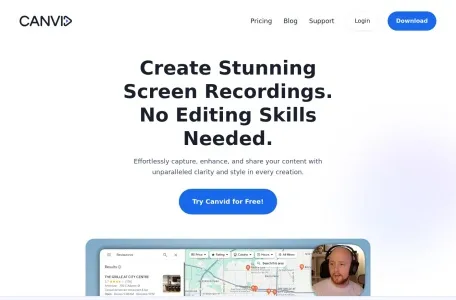
Canvid is a screen recording tool designed to easily capture, enhance and share screen recordings. It offers features like smooth mouse movement, auto-zooming, cinematic motion blur, and background effects, making it ideal for creating high-quality presentations, tutorials, and promotional videos without advanced editing skills.
How to use Canvid?
Capture the screen with just one click, enhance it with auto-zoom and AI background effects, add subtitles, and finally share the finished video instantly via cloud upload or local save.
Canvid’s core features
Auto scaling
AI background effect
Automatic subtitles and transcriptions
Simple screen recording
Share instantly
AI enhanced speech
Creative camera features
Related
Lettria
Lettria uses AI and GraphRAG to turn unstructured data into structured knowledge.
Patent Highlighter
Browser extensions that highlight technical information in patents while suppressing legal jargon.
PIXMO
Pixmo uses artificial intelligence to protect digital assets from theft and copyright violations.
CaseMark Workflow – AI for Legal
An AI-powered Chrome extension designed for legal workflows, capable of summarizing documents, extracting information, and generating legal texts.
MonAvocat.ai
An artificial intelligence-powered legal assistant that provides accurate advice on French law, with legal provisions updated in real-time.
Midpage | AI overlays for case law
AI-powered legal research tools that provide quick access to case citation insights and previews.