AI TOOL / #01500
LLMule
A decentralized artificial intelligence ecosystem that supports local or peer-to-peer model execution, while ensuring privacy protection.
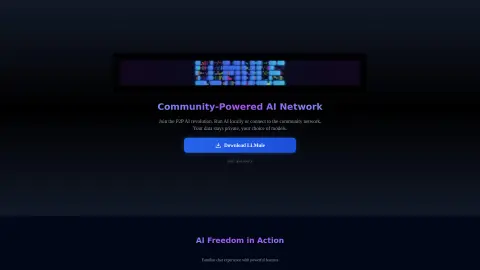
Introduction
Decentralized AI ecosystem for local or P2P model execution with privacy.
What is LLMule?
LLMule is a decentralized artificial intelligence ecosystem that enables users to run models locally or connect to a peer-to-peer network. It places emphasis on data privacy, community-driven model sharing, and the collaborative allocation of computing resources. LLMule aims to provide access to artificial intelligence in a democratized manner, freeing it from the control of large corporations through distributed computing technologies.
How to use LLMule?
Download LLMule and install it on your computer (it is compatible with Windows, macOS, or Linux). You can choose to run the artificial intelligence model locally or connect to a community network. You will be able to access and use models shared by other users, and you can also choose to share your own models in order to earn points.
The core features of LLMule
Decentralized peer-to-peer networks are utilized for artificial intelligence computations.
Execution of local artificial intelligence models
Community-shared artificial intelligence models
Data privacy and sovereignty
Sharing computing power in order to earn cryptocurrencies.
Compatible with Ollama, LM Studio, vLLM, and EXO.
Related
Widgeteer
One-Sentence Website Generator Widget
Rainbrand
Brand specification library for AI agents
Bridge
A meeting workspace where humans and intelligent agents can collaborate together during meetings.
cuttlefish
The English paper writing tool developed by the Little Green Whale team
AppJet
Free full-stack AI development platform
Cuddler
AI Interactive Stories and Short Plays Platform