AI TOOL / #01560
SwytchAI
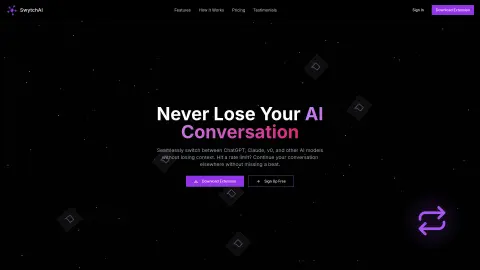
Seamlessly switch between AI models without losing any context.
Introduction
Seamlessly switch between AI models without losing context.
What is SwytchAI?
SwytchAI is a service that enables users to switch seamlessly between different AI chat models, such as ChatGPT, Claude, and v0, without losing any context of the conversation. It ensures continuity in AI interactions, allowing users to bypass rate limits and save time and effort by avoiding the need to copy and paste relevant information or restart conversations from scratch. SwytchAI also offers features for comparing different AI models and accessing previous conversation records.
How to use SwytchAI?
1. Install the SwytchAI extension on Chrome, Firefox, or Edge.
2. Connect your AI account (such as ChatGPT, Claude, v0, etc.) using a secure OAuth integration.
3. Begin interacting with any AI model just as you would normally.
4. When you reach the rate limit or wish to switch models, click on the SwytchAI icon and select the desired model to continue using.
The core features of SwytchAI
Seamless transition between AI models
Bypass rate limits
Protect privacy through end-to-end encryption.
Save time – no need for copying and pasting.
Comparison of AI models
Access to conversation records
Related
AI Image Detector & Fake Picture Check Online
Chrome extensions are used to detect images generated by AI.
Profound Academy
A hands-on computer science learning platform designed for teachers, offering automated and interactive courses.
Verisquad
An artificial intelligence-based system for fact-checking, statement verification, and truth detection.
AI Content Checker
AI content inspection tools enhance content creation, editing, research, and analysis with artificial intelligence technology.
Insert, Dont Paste
A Chrome extension that allows you to insert text from the clipboard into input fields, thereby bypassing any restrictions on pasting content.
TextFlip AI
AI rewriting tools enable the creation of original text while bypassing AI detection systems.