AI TOOL / #01990
SQL Notes
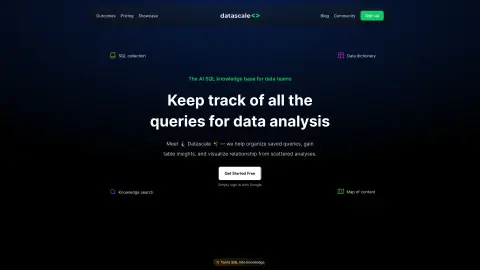
Datascale: Enables organizations to query and visualize data relationships, while automating the management of data catalogs.
Introduction
Datascale: Organize queries, visualize data relationships, and automate data cataloging.
What is Datascale?
Datascale assists organizations in conducting data queries, obtaining insights from tables, and visualizing the relationships between different analytical tasks. It transforms saved queries into automated data catalogs and analysis knowledge search platforms, enabling next-generation features for tracking data lineage and facilitating discovery processes. Users can explore data dependencies, use AI-driven search tools to locate relevant assets, visually understand the structure of databases, and document data models in a visual format.
How to use Datascale?
Use Datascale to reverse-engineer SQL into lineage diagrams and ER diagrams, thereby visually documenting the data model. Leverage AI for design purposes, manage searchable data catalogs, and integrate these systems with existing data architectures. Import your documents and data assets in bulk to get started quickly.
The core features of Datascale
Data lineage visualization
AI-driven search
Data directory management
Cloud Data Modeling Platform
Generation of ER diagrams
Related
Synopify
An AI Chrome extension that provides concise web page summaries and valuable insights into websites.
ContentShake AI for Chrome
Chrome extensions that offer AI-powered features for enhancing writing, editing, and content creation.
Memowise
A tool designed for collecting, organizing, and reviewing online reading notes.
RecapioGPT
Artificial intelligence-based Chrome extension to easily summarize web pages.
Semaverse
AI assistant for instant summary of news, videos and websites.
Tidyread
AI-powered tools generate information summaries by organizing and summarizing the content found in your sources of information.