AI TOOL / #05809
DigiFace
DigiFace uses 30-second videos and text to generate AI-generated avatar videos.
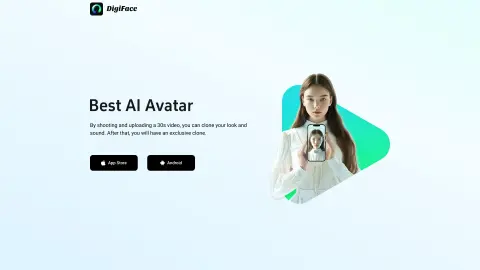
Introduction
DigiFace creates AI avatar videos from a 30s video and text.
What is DigiFace?
DigiFace allows you to seamlessly transform your appearance and voice into an engaging AI avatar video by simply recording and uploading a 30-second video. By entering text, you can instantly generate an AI avatar video with synchronized speech, saving time and improving productivity. With just one 30-second video recording, you can create a clone of yourself in terms of both appearance and voice – and thus obtain a unique digital version of yourself.
How to use DigiFace?
Record and upload a 30-second video to clone your appearance and voice. Then, enter the text you would like to have appear on your avatar, and DigiFace will generate an AI avatar video with that voice.
The core functions of DigiFace
Generation of AI avatars and videos
sound cloning
Physical appearance cloning
Text-to-speech avatar videos
Related
Oogway Know
A plugin that records knowledge and uses it to communicate with artificial intelligence.
Dynawiki
An AI-powered dynamic wiki page generation platform that makes learning easier.
Hasty
A comprehensive wiki covering concepts, tasks, models, and implementations in the field of computer vision.
Kai by Tettra
Artificial intelligence-based knowledge management system helps teams organize and share information.
Quizzio
The AI test generator creates personalized and interactive questionnaires based on learning materials.
BetterStudy
StudyBetter is an AI-powered learning platform designed for taking notes, creating summaries, and tracking progress.