AI TOOL / #06276
Message AI
Cross-platform AI chat application that supports iCloud synchronization, as well as text-to-image and text-to-speech functions.
Introduction
Cross-platform AI chat app with iCloud sync, text-to-image, and text-to-speech.
What is Message AI – GPT TTS?
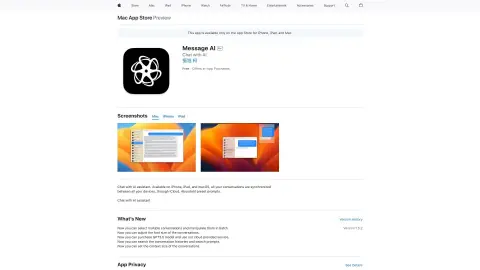
Message AI – GPT TTS is a cross-platform application available for iPhone, iPad, and Mac. It enables users to chat with the AI assistant, synchronize conversations across devices via iCloud, and utilize features such as text-to-image and text-to-speech conversion. The app also offers a keyboard extension that allows access to the AI within any other application, and supports custom prompts.
How to use Message AI – GPT TTS?
Download the app from the App Store, start a conversation, and chat with the AI assistant. You can also use the keyboard shortcuts in other apps to access the AI features. Customize the prompts and make use of the text-to-image and text-to-speech functions.
The core functionality of Message AI – GPT TTS
AI chat assistant
Cross-device iCloud synchronization
Text-to-image generation
Text-to-speech function
Customizable prompts available.
Accessing AI-powered keyboard extensions in any application.
Related
Melius
Node canvases enable the creation of image and video workflows.
minimi
AI cat assistant to help you finish your to-do list
thestory.run
LinkedIn writing coach who doesn’t ghostwrite
LiveTranslate
Scan the code to listen to AI simultaneous interpretation.
Morsa Signals
Developer Tools’ Customer Acquisition and AI Search Visibility
Widgo
AI-powered sales assistance for website visitors