AI TOOL / #06308
YouTube Transcript Generator
Extract and display the subtitles of YouTube videos, making it easy to access and review them.
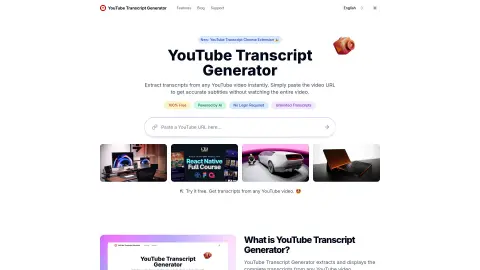
Introduction
Extracts and displays YouTube video transcripts for easy access and review.
What is the YouTube Transcript Generator?
The YouTube Subtitle Generator extracts and displays the complete transcript of any YouTube video. It allows you to quickly access, read, and save the content of a video without having to watch the entire video itself – making it much easier for you to find specific information or review the content at your own pace.
How to use the YouTube Transcript Generator?
1. Copy the URL of the YouTube video. 2. Enter the URL in the input box and click the “Transcript” button. 3. View, search for, or download the transcript in the format of your choice.
The core functions of the YouTube Transcript Generator
Extracting transcripts from any YouTube video
Supports multiple download formats (TXT, DOCX, VTT, SRT).
Provide searchable text transcripts.
Applicable to any publicly available YouTube video.
Provides unlimited access, with no daily restrictions.
No login required
Related
Gradium
Low-latency voice AI developer platform
Modify the picture.
Online AI tools for image and text editing
MateClaw
Self-deployable team AI operating system
MoFa Technology
3D Digital Avatar Platform
Claude Academy
Claude Official Learning Center
Meisuan AI
E-commerce AI-generated product images and videos