AI TOOL / #06325
ChatGPT Voice Assistant
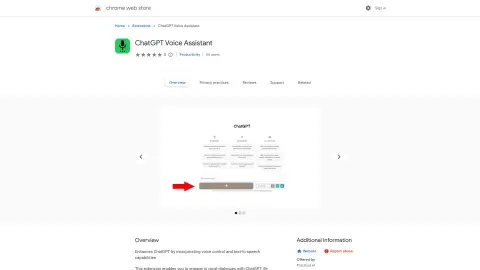
The voice-activated ChatGPT interface supports text-to-speech conversion and multiple languages.
Introduction
Voice-activated ChatGPT interface with text-to-speech and multi-language support.
What is the ChatGPT Voice AI Chrome extension/plug-in?
This tool allows you to capture voice input and send it to ChatGPT. The responses generated by the system can be listened to aloud (this option can be disabled if desired). It supports multiple languages, and you can start capturing voice data by clicking the microphone button or holding down the spacebar.
How to use the ChatGPT Voice AI Chrome extension/plug-in?
Click the microphone button or hold down the spacebar to record your voice input. This tool will send your recorded voice to ChatGPT, which will then read out the response. You can also choose to disable the text-to-speech function if you prefer to read the responses directly.
The core functions of the ChatGPT Voice AI Chrome extension/plug-in
Voice input for ChatGPT
Text-to-speech output generated by ChatGPT
Multilingual support
Capture voice input using the microphone button or the spacebar.
Related
Narralize
Narralize uses artificial intelligence to convert PDFs into multilingual audio summaries.
Summarize and Translate with Gemini
Use Gemini AI to summarize and translate web pages with just one click.
YouTube Real Time Translation
Real-time translation of YouTube videos.
Loro – Aprende nuevas palabras
Loro is a browser extension that enables seamless language learning through automatic word translation.
Scan Translator
Use AI to instantly translate raw comics, scans, or images into over 50 languages.
Dubbah.co
DUBBAH provides AI-powered audio dubbing and translation services, targeting audiences around the world.