AI TOOL / #06683
VoiceChatter
Convert speech into text in Chatter format.
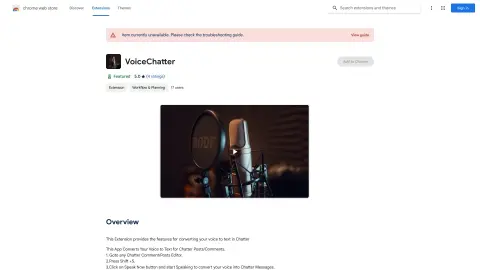
Introduction
Converts voice to text for Chatter posts and comments.
What is the Voice to Chatter Converter AI Chrome extension/plug-in?
This application converts your voice into text for Chatter, allowing you to create messages quickly and easily using voice recognition technology.
How to use the Voice to Chatter Converter AI Chrome extension/plug-in?
1. Open any Chatter comment/posting editor.
2. Press Shift + S.
3. Click the “Speak Now” button and start speaking; your voice will be converted into a Chatter message.
The core functionality of the Voice to Chatter Converter AI Chrome extension/plug-in
Chatter's text-to-speech function
Related
AdBuddy
Tencent Marketing’s Conversational Placement Assistant
MAI Image 2.7
Microsoft's self-developed image generation and editing model
FacePoke
A free online AI facial editing tool, used for manipulating expressions and features.
Imentiv AI
An emotional AI platform used for analyzing and creating content that is rich in emotional elements.
EyeShapeAI
An artificial intelligence tool that identifies the shape of your eyes by analyzing the uploaded images.
Summarize everything
Summarize long articles and videos into brief abstracts or key points.