AI TOOL / #07091
ScreenRedact
A Mac application designed to use local machine learning techniques to identify and highlight text within images.
Introduction
Mac app for redacting text in images using on-device machine learning.
What is ScreenRedact?
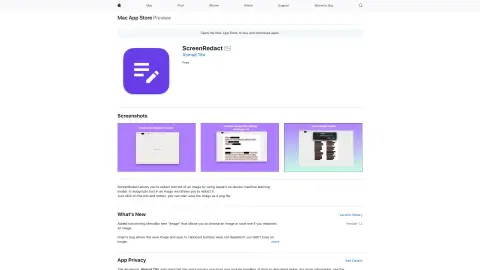
ScreenRedact is a Mac application developed by Ahmad Tibi that allows users to quickly conceal sensitive information from images. It utilizes Apple’s native machine learning technology to identify text within images and provides a user-friendly interface for masking those areas. The modified images can then be saved in PNG format.
How to use ScreenRedact?
Open an image in ScreenRedact, and the application will automatically detect any text present. Click on the text to darken it. Save the darkened image as a PNG file.
The core functions of ScreenRedact
Using Apple’s native machine learning technologies for text masking/darkening.
Save the image in PNG format.
Copy the image to the clipboard.
Related
Humanize-AI
An AI tool that converts text generated by AI into more human-readable content and manages to bypass AI detection systems.
NopeCHA: CAPTCHA Solver
A browser extension that uses AI to automatically solve CAPTCHAs.
Humanize Text
AI-powered tools that transform artificial intelligence-generated text into natural, undetectable human-written content.
Capsolver
Automatic AI CAPTCHA decoder that utilizes image recognition technology to overcome challenges posed by reCAPTCHA, Cloudflare, and other similar systems.
Secur3D
Secur3D automates the analysis and review of 3D content, thereby safeguarding intellectual property rights as well as user-generated content assets.
adversa.ai
Adversa AI helps protect artificial intelligence systems from cyber threats, privacy issues, and security incidents.