AI TOOL / #07150
ocrX Image to Text
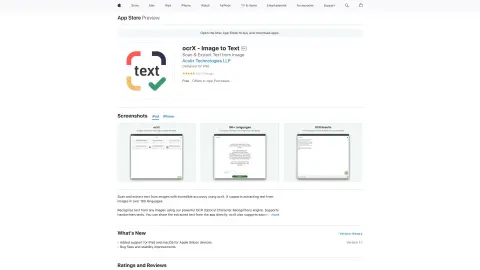
OCRX is an application designed for scanning and extracting text from images, supporting over 100 different languages.
Introduction
ocrX is an app to scan and extract text from images, supporting 100+ languages.
What is OCRX – Image to Text?
ocrX – Image to Text is an application available for iPhone, iPad, and macOS that allows users to scan images and extract text from them. It supports over 100 languages and provides features for sharing as well as exporting the extracted text in TXT or PDF format. This app utilizes optical character recognition (OCR) technology to identify text, including handwritten text, from images.
How to use ocrX – Image to Text?
To use OCRX, open the application, click the “New” button, select an image from your photo library, and you can crop the image if necessary. Then, choose the language of the text. The application will automatically scan and extract the text for you.
ocrX – The core functionality of converting images into text
Scan and extract text from the image.
Supports over 100 different languages.
Share the extracted text.
Export the extracted text in TXT or PDF format.
Edit the extracted text.
Copy the extracted text to the clipboard.
Related
RateMyJD by Dover
Smart tools are used to improve job descriptions and attract top-tier talents.
CoverSentry
Using AI to write cover letters? It’s best to scan it before sending.
Deep Find
A web text detection tool capable of identifying content generated by AI.
Detect GPT
A Chrome extension for detecting AI-generated content on web pages.
AI Detector Writer
A free AI-based content detection tool, used to analyze and refine content before sharing it.
DeepCite
DeepCite traces the origin of information to verify its reliability.