AI TOOL / #02619
cFlow
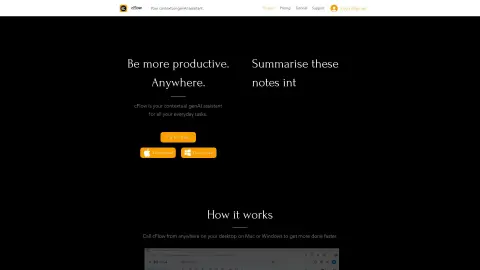
cFlow is a desktop AI assistant designed for research, writing, and information retrieval tasks.
Introduction
cFlow is a desktop AI assistant for tasks like research, writing, and information retrieval.
What is cFlow?
cFlow is a desktop tool that converts text in applications and browsers into ChatGPT queries via hotkeys. It can answer questions, save/retrieve information, reply to emails, draft, summarize and translate text. It is a contextual, generative AI assistant for research, text editing, note-taking, scheduling, and more that provides seamless knowledge access, right on the desktop.
How to use cFlow?
Select text anywhere on your desktop (Mac or Windows) and press a hotkey to convert it into a ChatGPT query. cFlow can answer questions, respond to emails, draft documents, and more.
cFlow core features
Contextual generative AI assistant
Hotkey activated ChatGPT query
Seamless knowledge access between desktop devices
Related
Booknotes
AI-powered book summaries, key ideas, quotes, and actionable takeaways, using ChatGPT.
AI Email Summaries
A Chrome extension that uses AI to generate email summaries for Gmail users.
Active Recall
AI-powered tools designed to help summarize, organize, and recall online content, thereby enhancing memory and knowledge retention.
InFold
An AI-driven work assistant designed for unified search and knowledge discovery.
Youtube Video Summary
Use OpenAI to automatically generate summaries for lengthy transcription texts, and it supports multiple languages.
Point Is: AI Summary & Search
AI-based tools designed for summarizing and searching various types of files.